🇪🇸 Español
Instrucciones para instalación del segundo Slot para MSXBOOK o One Chip Book.
- Apagamos el ordenador.
- Damos la vuelta, extraemos los topes de goma.
- Preparamos un destornillador de estrella.
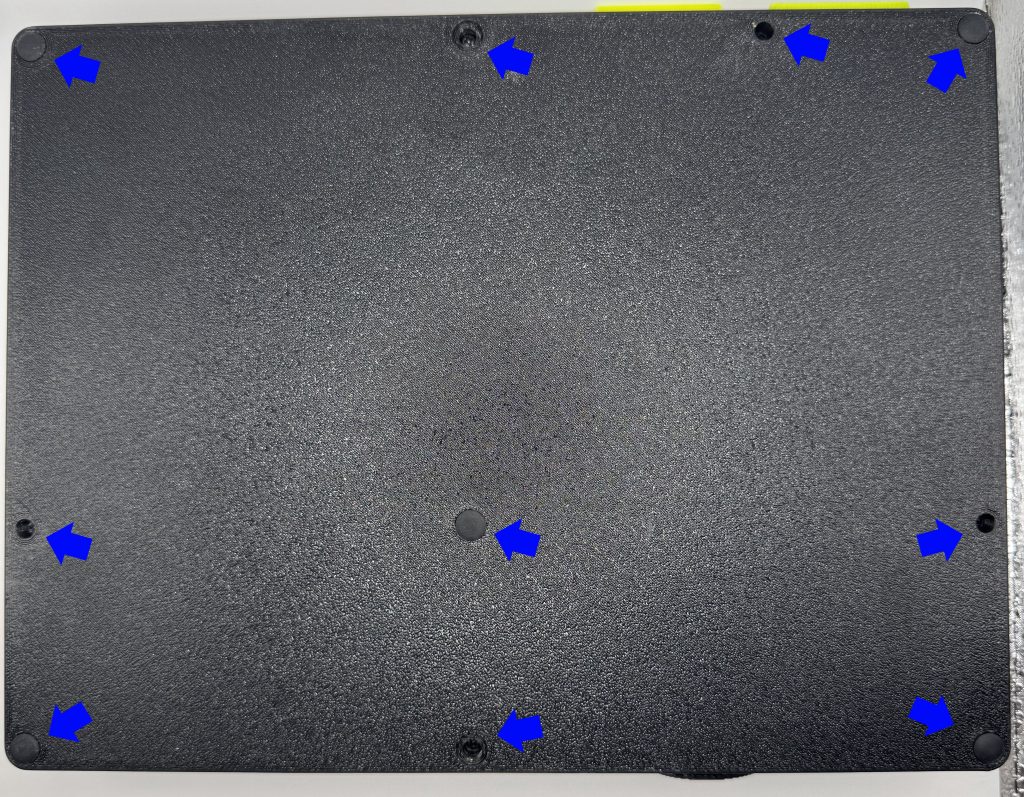
- Sacamos los 10 tornillos que tiene la tapa inferior.
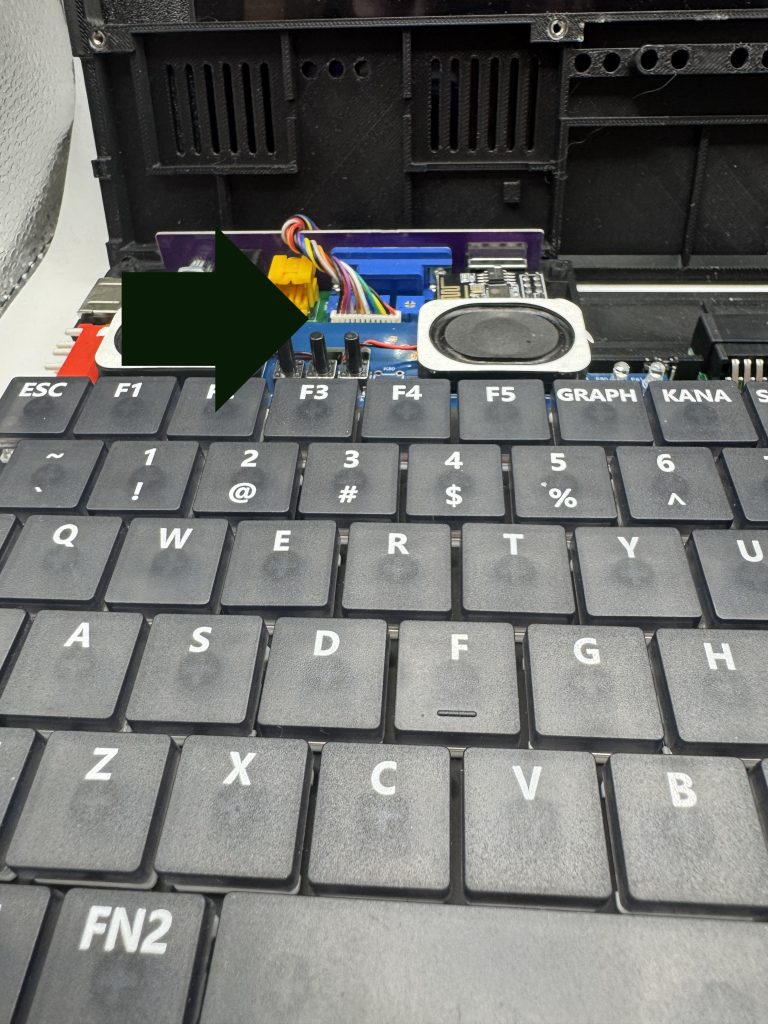
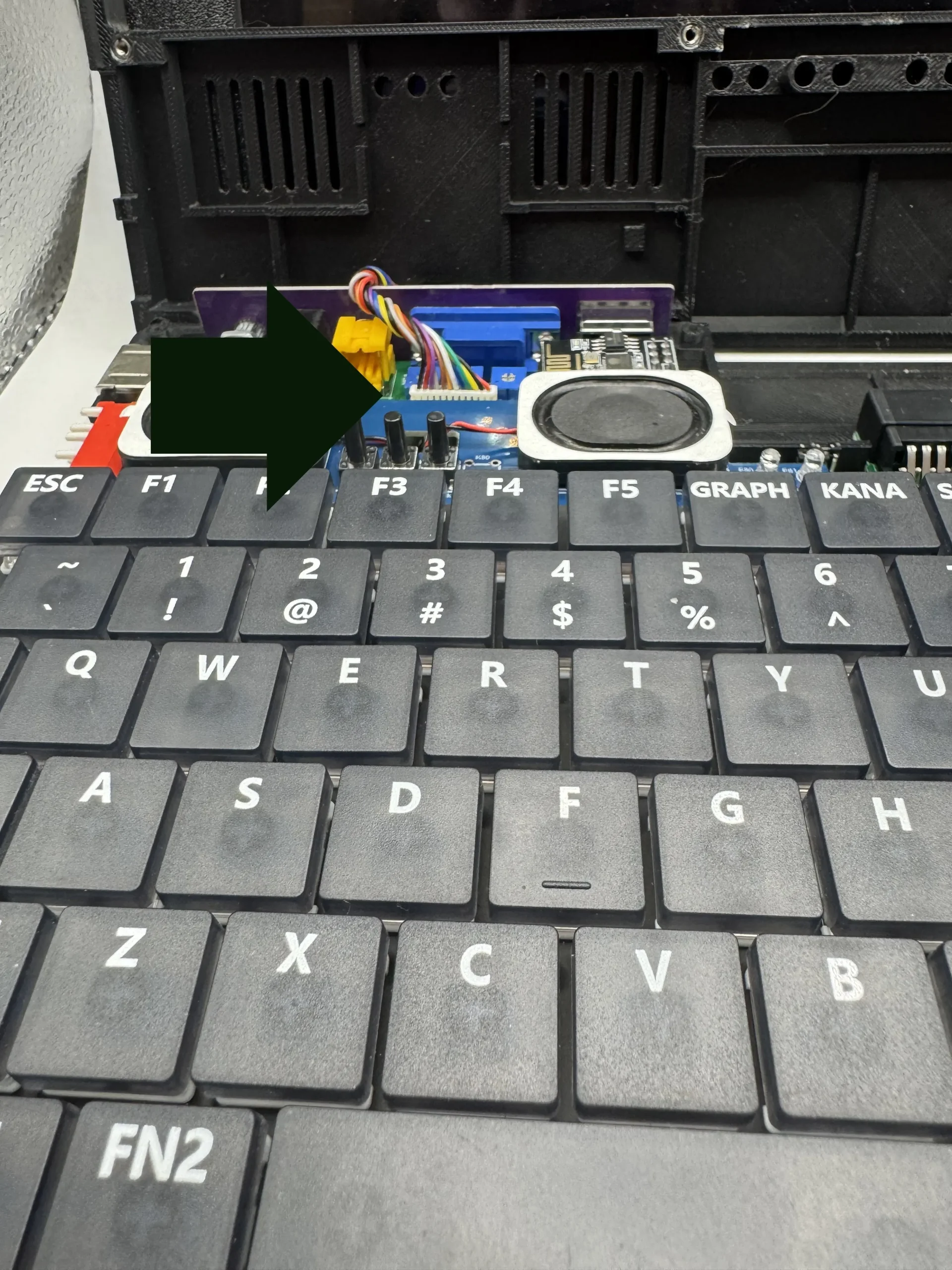
- Damos la vuelta con la pantalla cerrada y sacamos la carcasa superior con mucho cuidado con los cables.
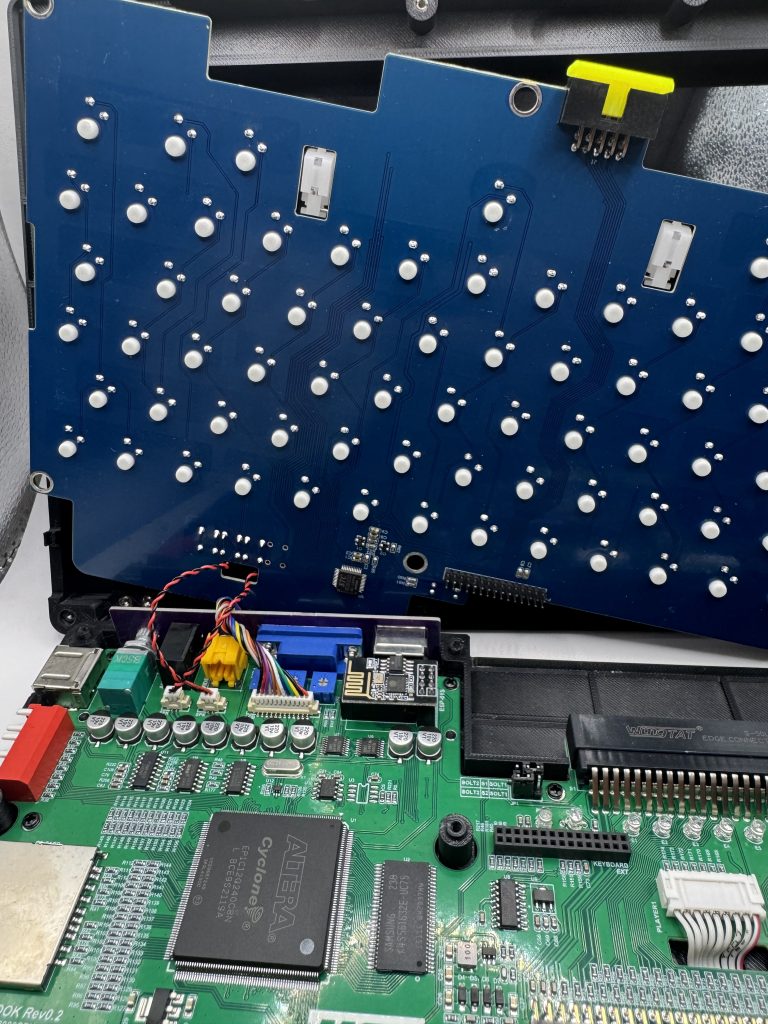
- Sacamos el teclado tirando hacia arriba de forma uniforme; se soltará el conector inferior. Vigilar con los cables que tiene.
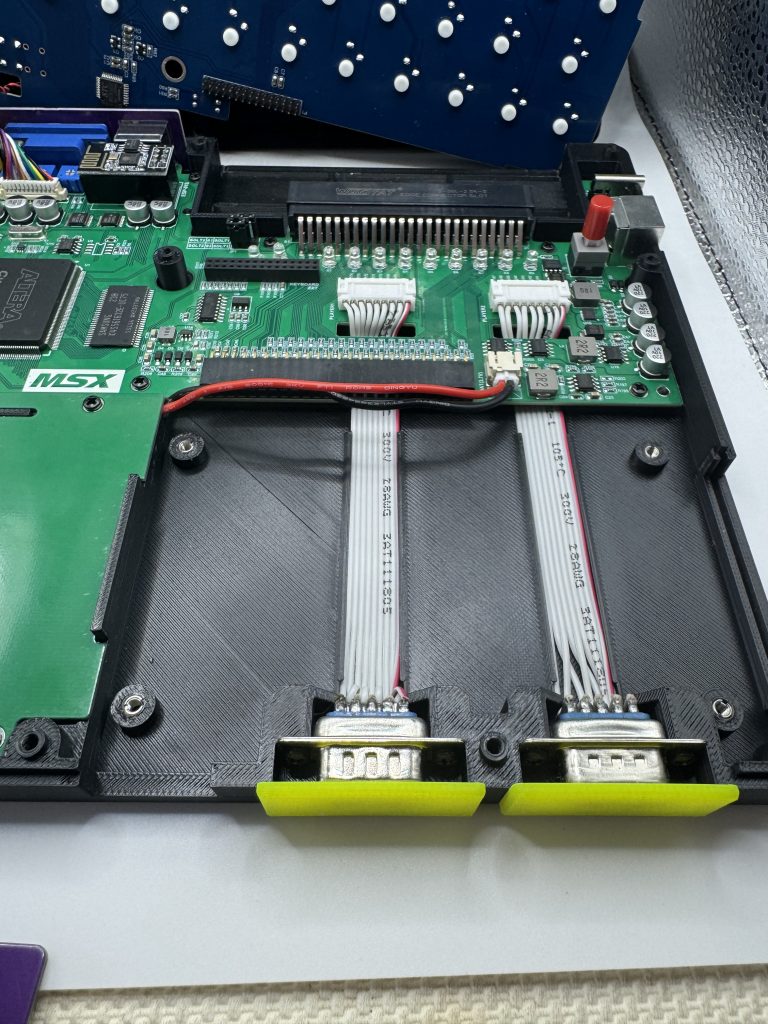
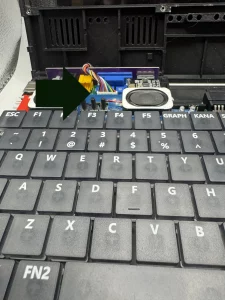
- Vemos el espacio y procedemos a sacar la tapa de la derecha de la carcasa y a poner la placa con un ángulo de 45 grados, por debajo el cable de la batería, poniendo los pines en el conector.
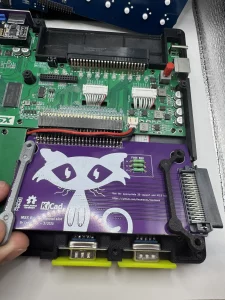
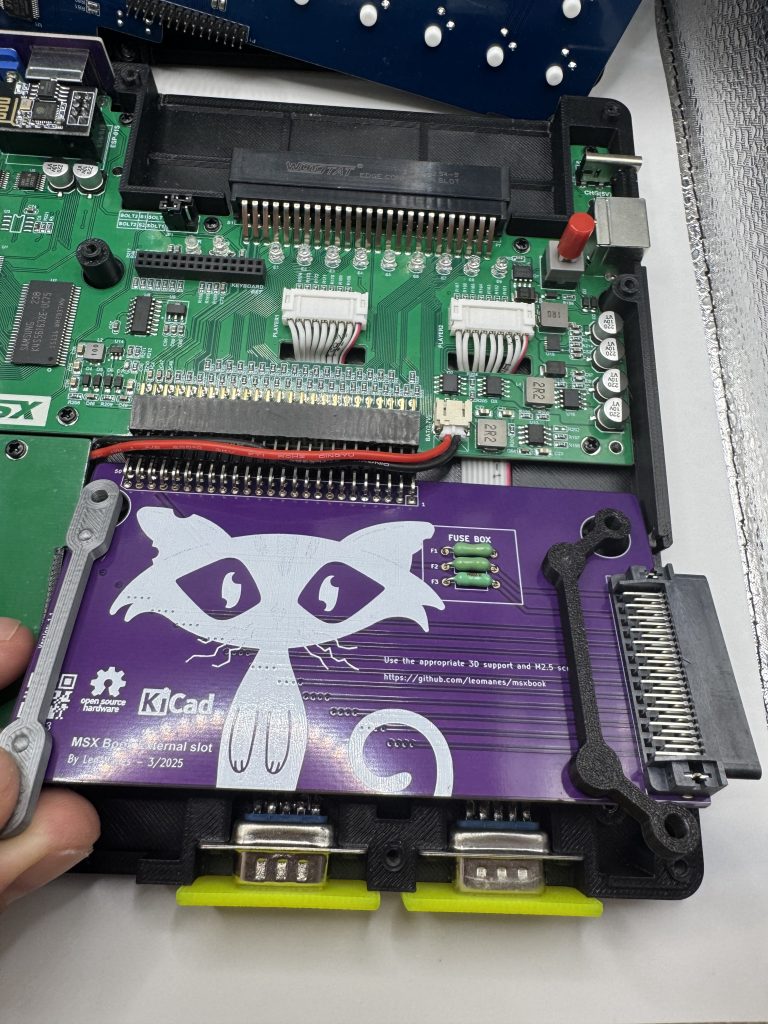
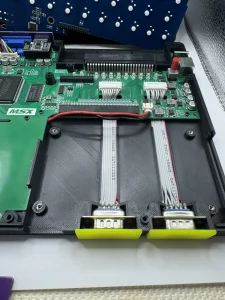
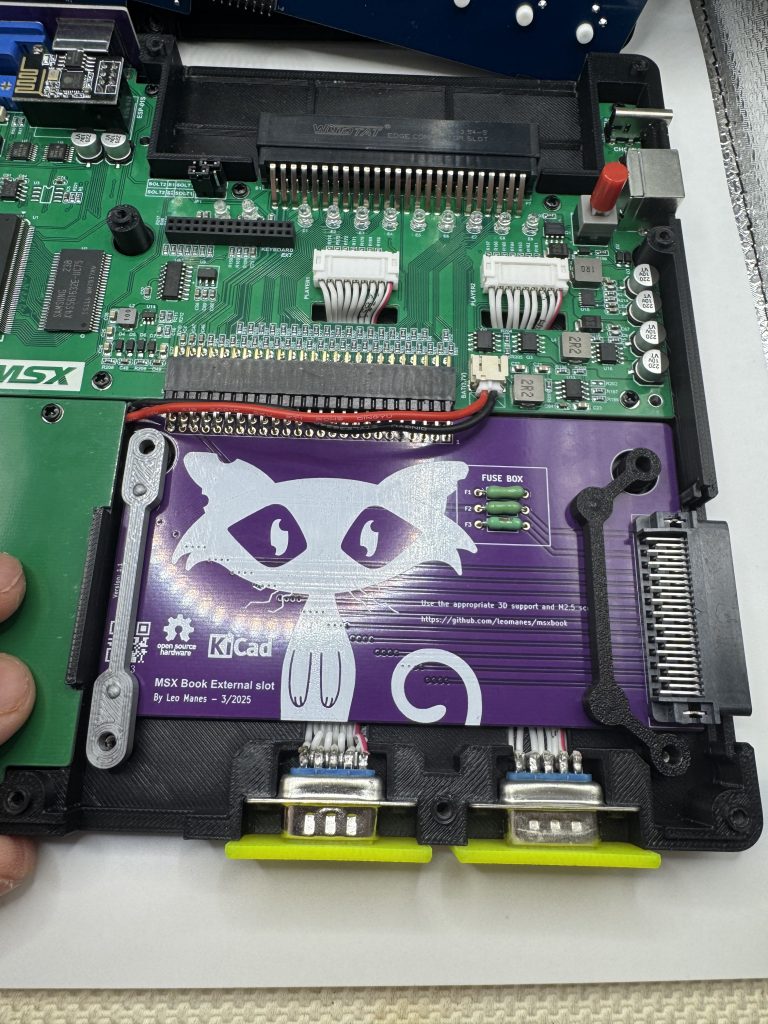
- Una vez insertado, ponemos los 4 tornillos.
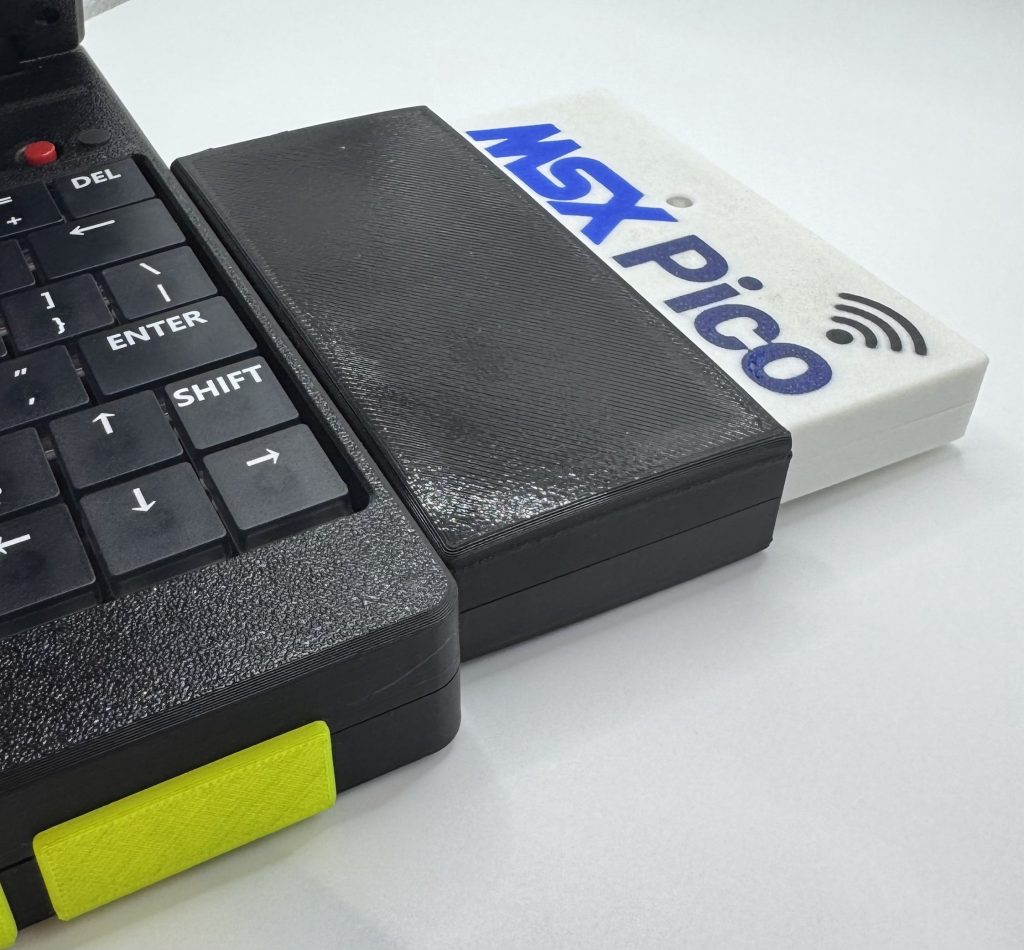
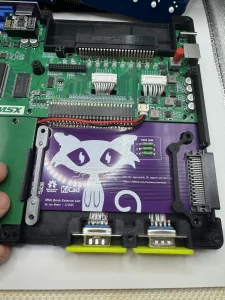
- Podemos ya cerrar el portátil y probar el adaptador en el lateral con un cartucho.
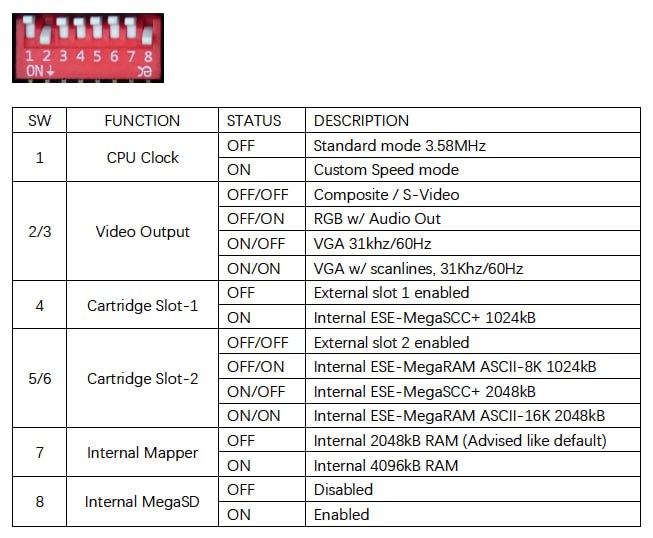
- Recordar que los Switches 5-6 han de ponerse en OFF (se desconecta el Megaram / MegaSCC).
🇬🇧 English
Instructions for installing the second Slot for MSXBOOK or One Chip Book.
- Turn off the computer.
- Flip it over and remove the rubber feet.
- Prepare a Phillips screwdriver.
- Remove the 10 screws on the bottom cover.
- Flip it back over with the screen closed and carefully remove the top case, minding the cables.
- Remove the keyboard by pulling it up evenly — the bottom connector will release. Be careful with the cables attached to it.
- With the space clear, remove the right side cover of the case and insert the board at a 45-degree angle, routing the battery cable underneath and seating the pins into the connector.
- Once inserted, fasten the 4 screws.
- Close the laptop and test the adapter on the side with a cartridge.
- Remember to set Switches 5-6 to OFF (this disconnects the Megaram / MegaSCC).