El Toshiba HX-34 es un MSX2 japonés con la peculiaridad de ser el último ordenador MSX que lanzó Toshiba y el único de la marca con disquetera integrada. Pertenece a la gama Pasopia IQ, con salida de sonido PSG estéreo (conmutador mono/estéreo) y ROM de Kanji nivel 1.
The Toshiba HX-34 is a Japanese MSX2 with a curious claim to fame: it is the last MSX computer Toshiba released and the only one of the brand with a built-in floppy drive. It belongs to the Pasopia IQ range, with stereo PSG sound (mono/stereo switch) and a level-1 Kanji ROM.
Diario de reparación del Toshiba HX-34Toshiba HX-34 repair log
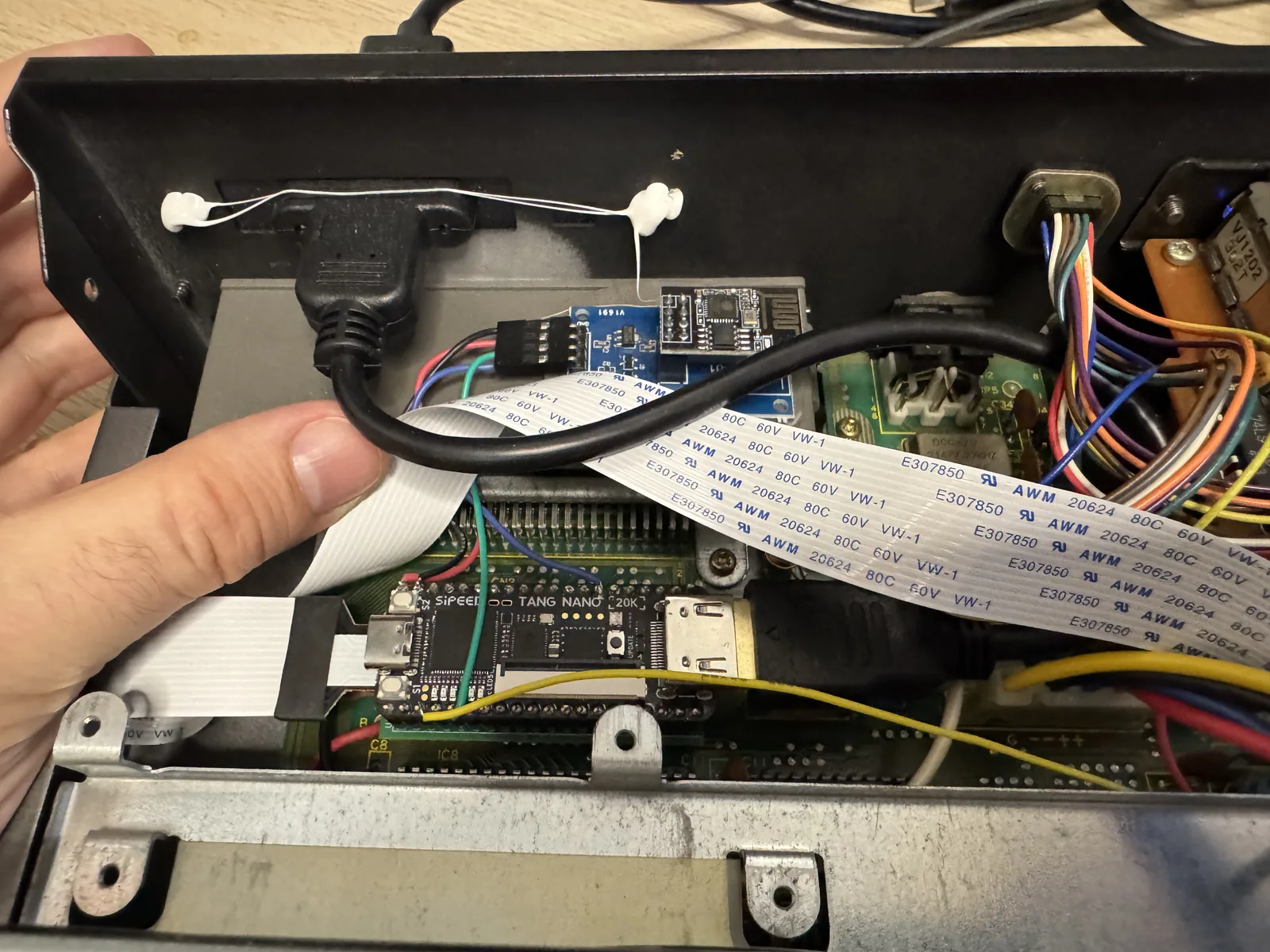
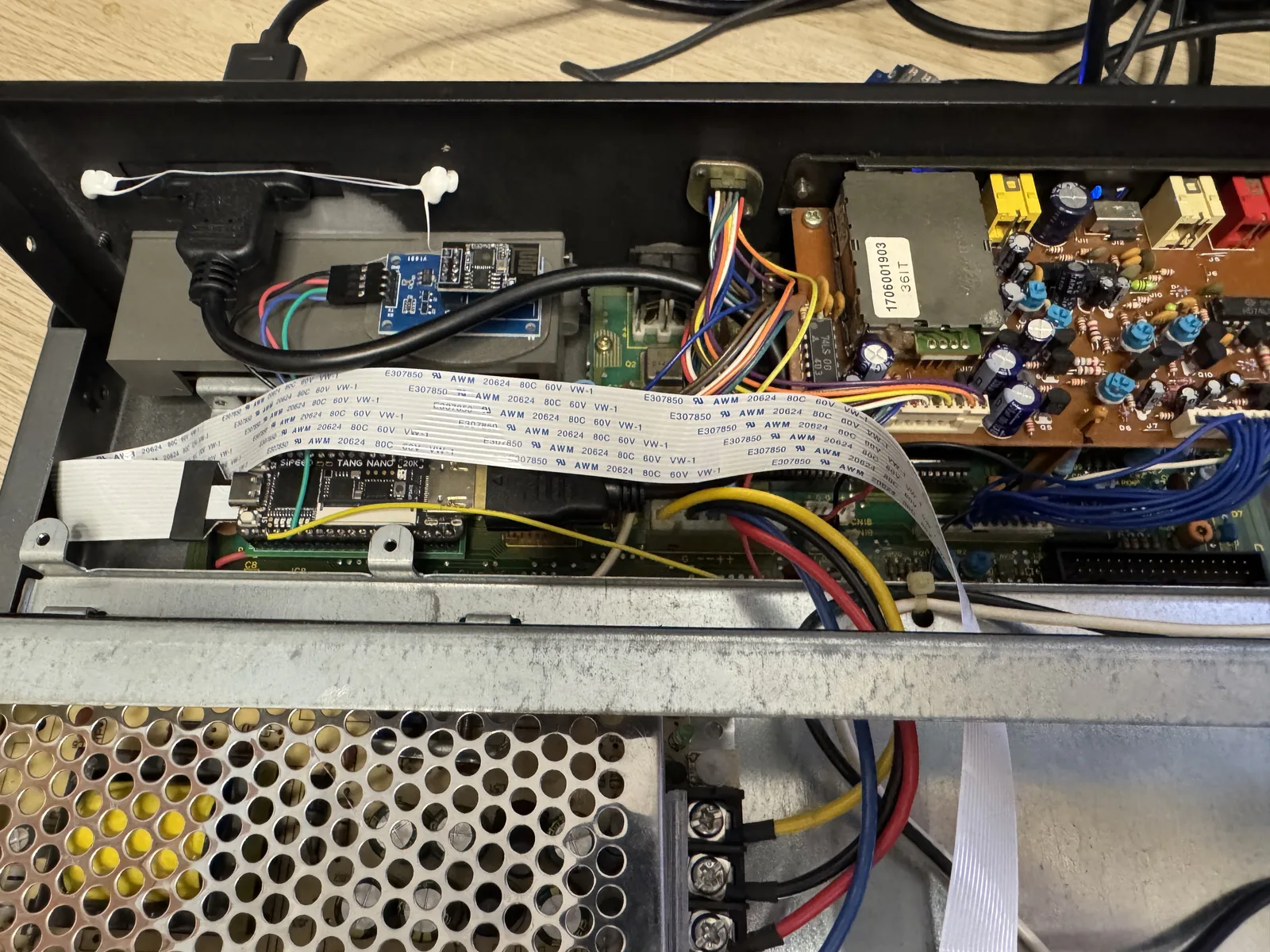
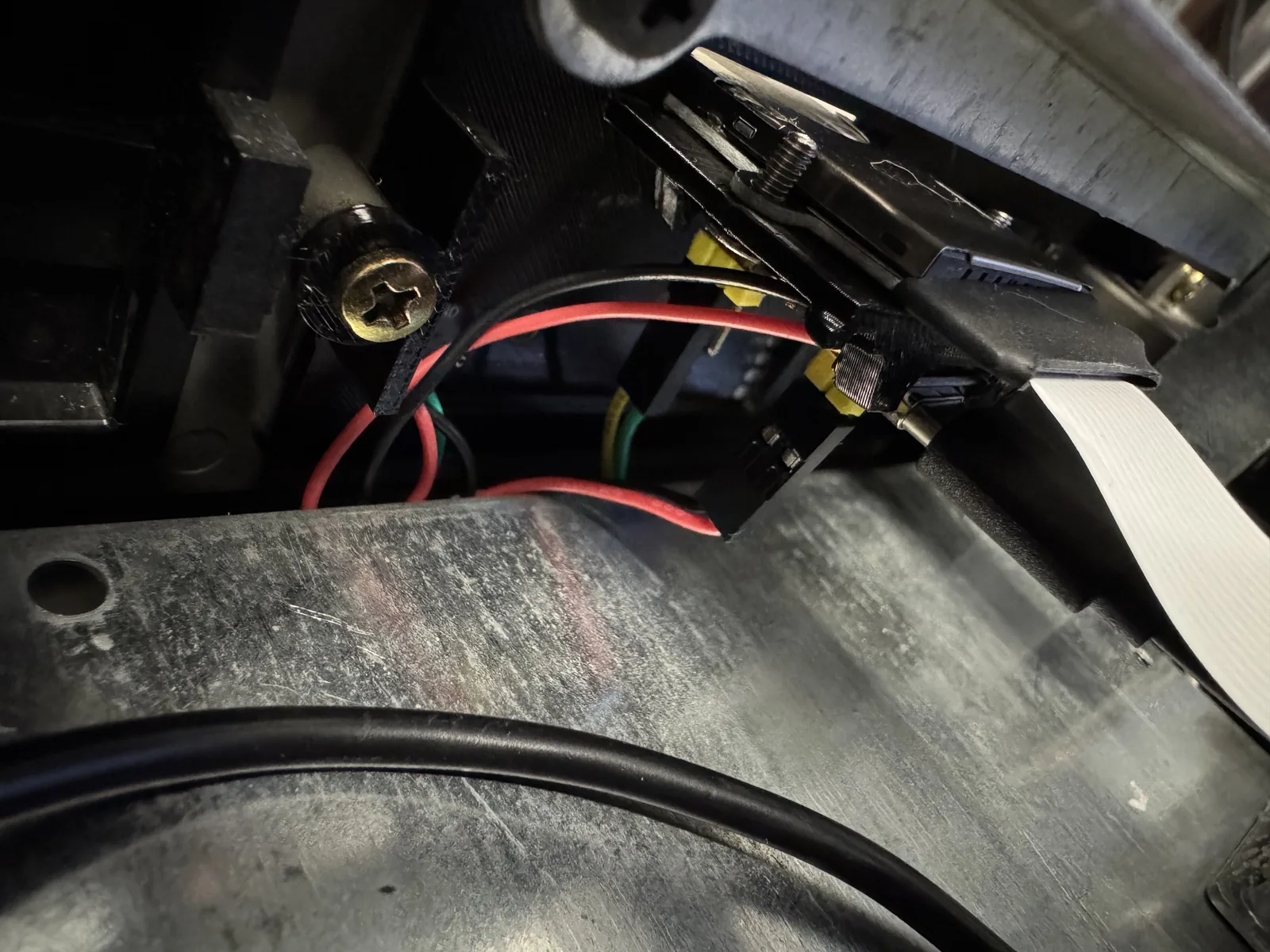
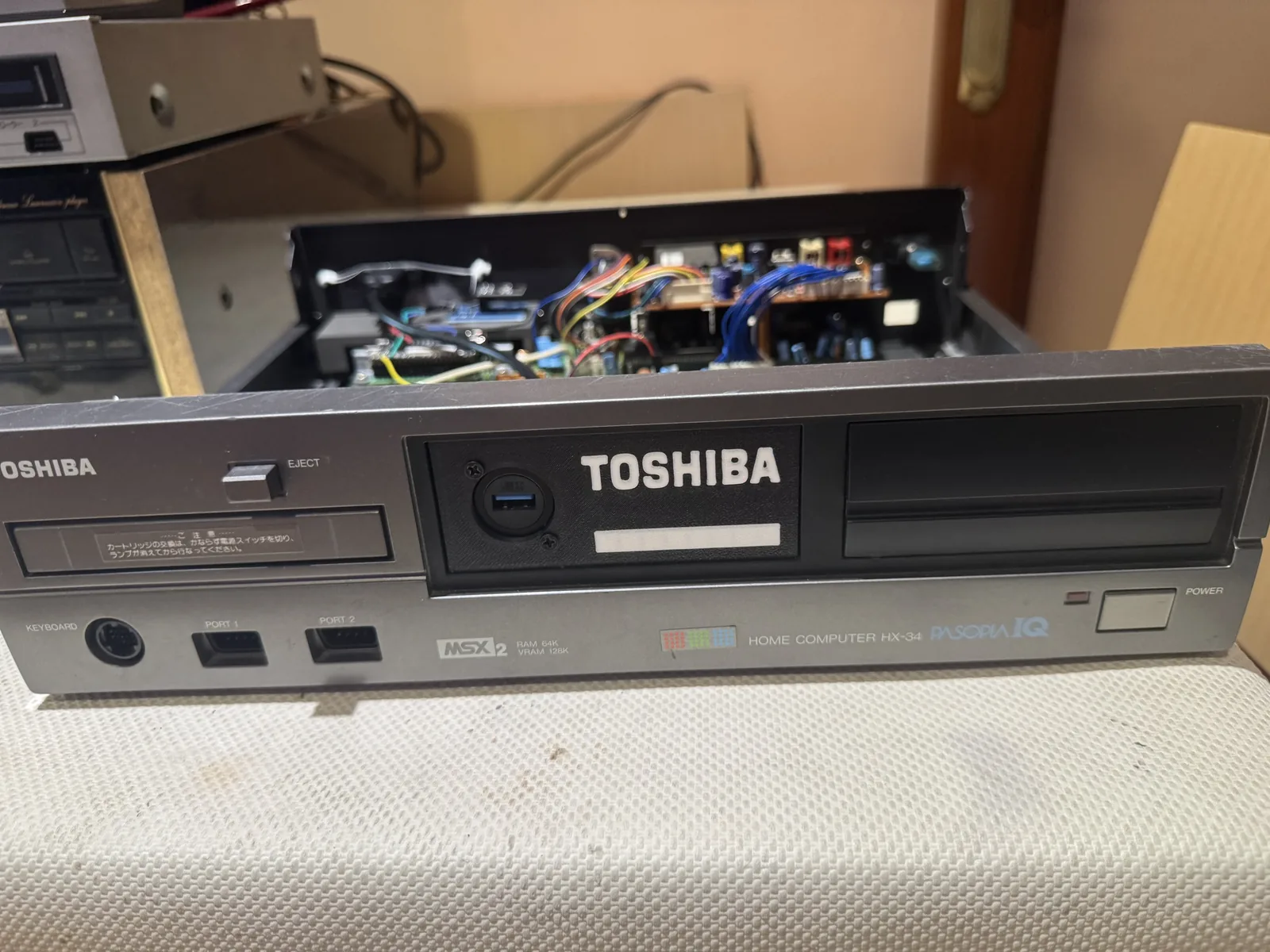
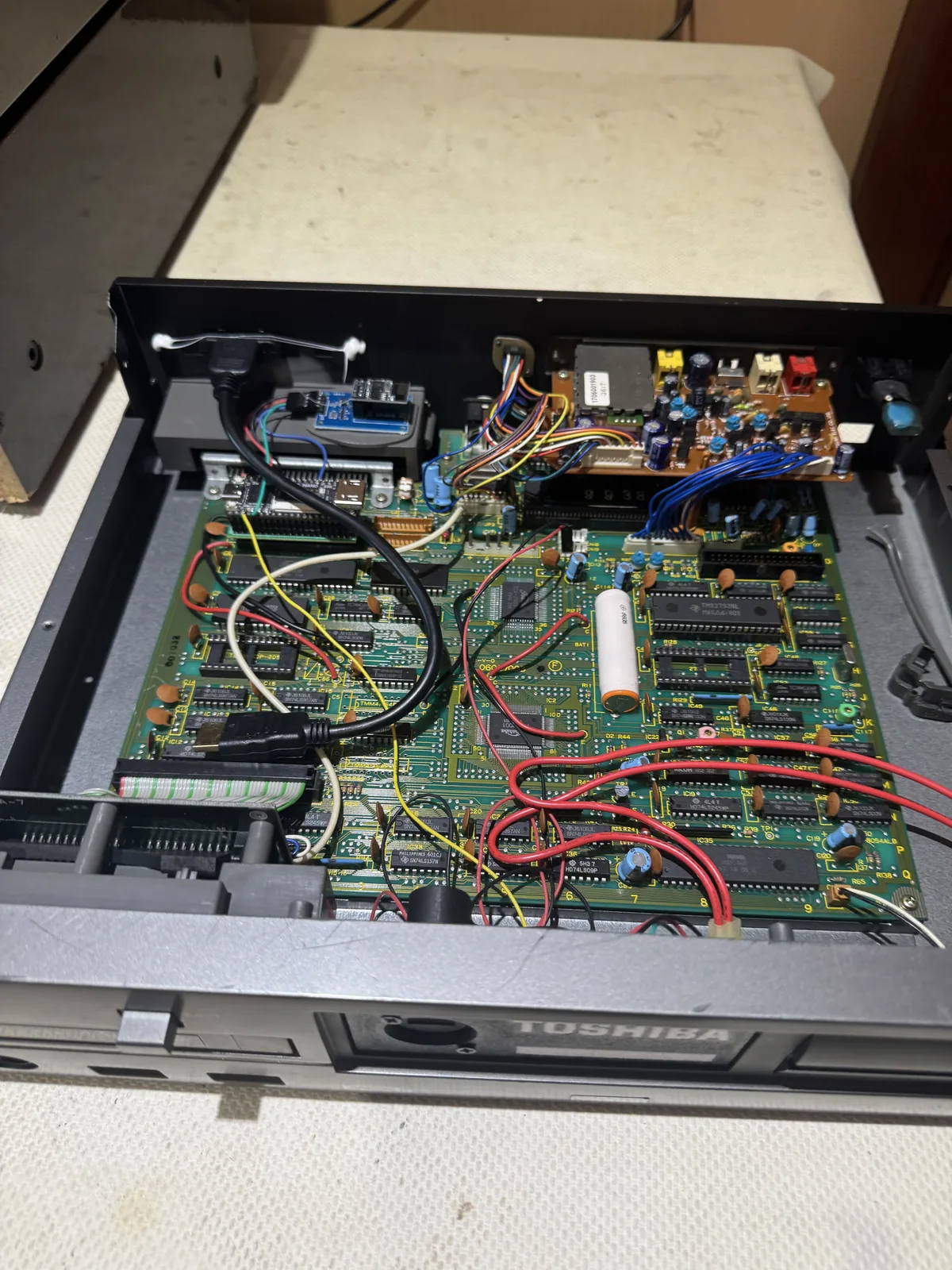
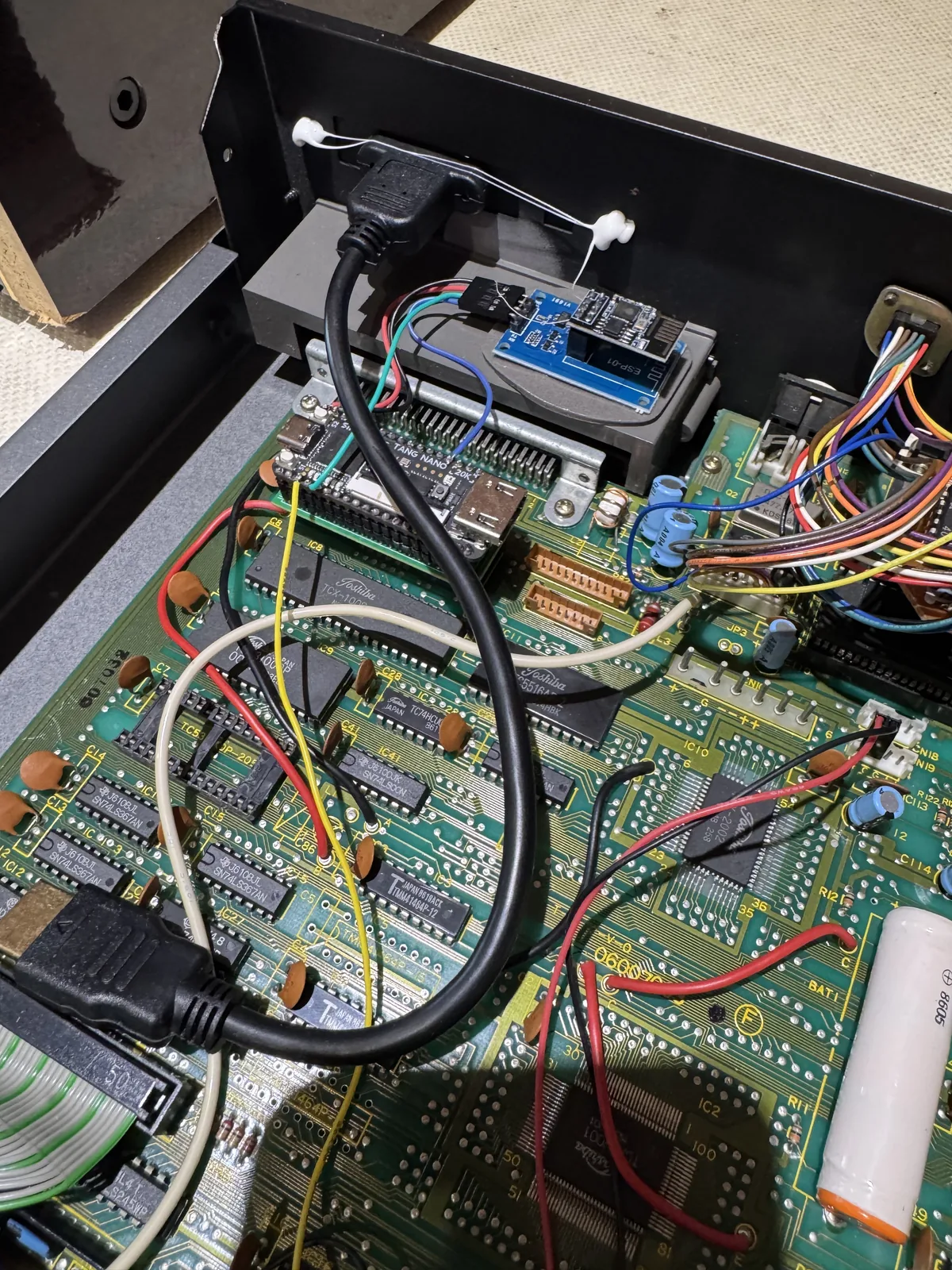
15/06/2026 — En reparación. Esta unidad llegó sin teclado y sin disquetera. Para devolverle el uso se ha instalado el Goauld USBKB, que permite usar un teclado por USB, y se han añadido LEDs de control en el frontal. El equipo ya cuenta también con WiFi instalada.
2026-06-15 — Under repair. This unit arrived with no keyboard and no floppy drive. To bring it back into use we've installed the Goauld USBKB, which allows using a USB keyboard, and added status LEDs on the front panel. The machine also already has WiFi installed.
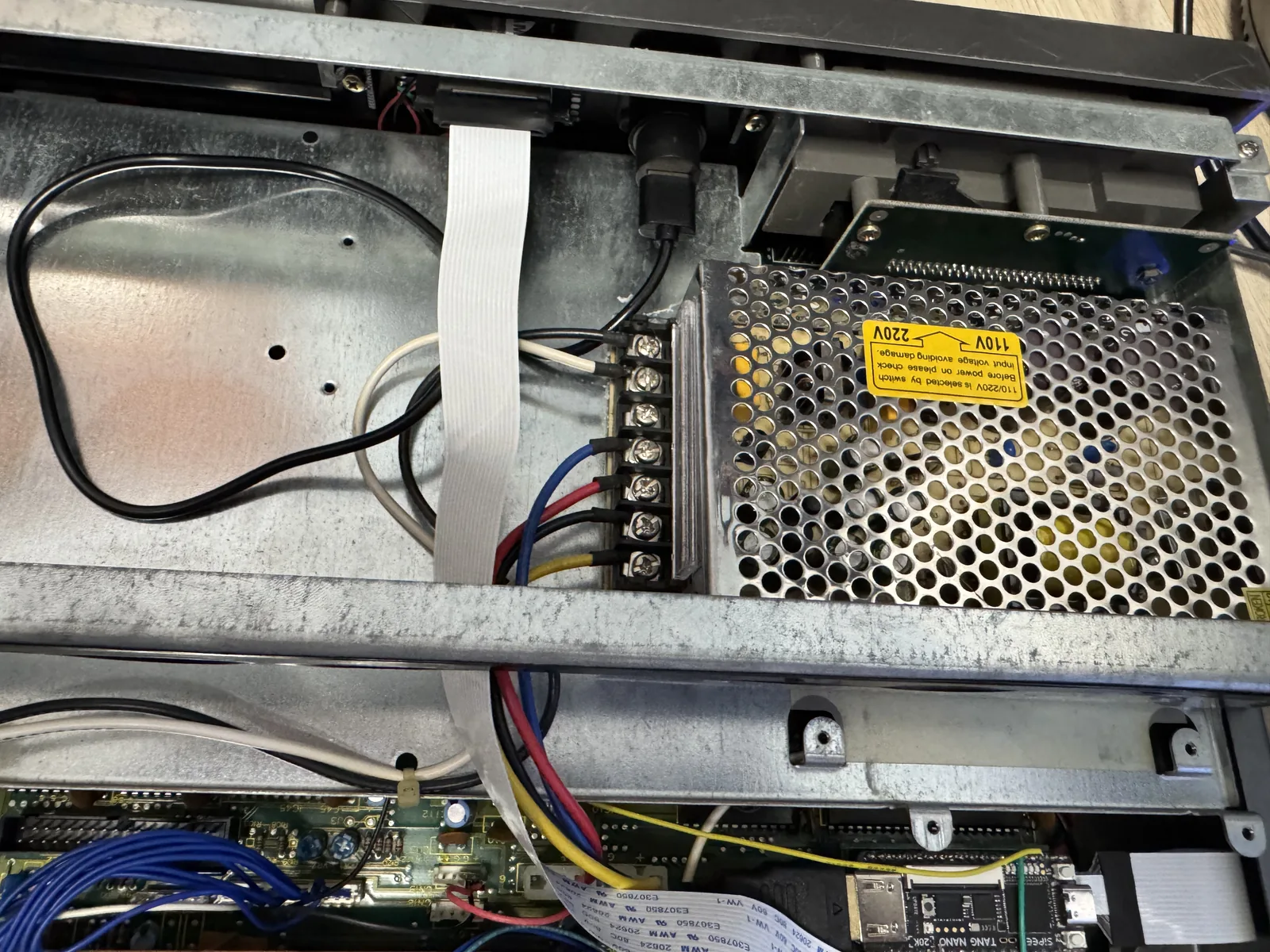
Queda pendiente adaptar la fuente de alimentación para convertirlo a 220 V y poder dejarlo funcionando con la red eléctrica de aquí.
Still pending: adapting the power supply to convert it to 220 V so it can run on the local mains.
20/07/2026 — Reparación finalizada. El Toshiba HX-34 queda totalmente operativo. Se ha montado la nueva fuente de alimentación (conmutable 110/220 V) que quedaba pendiente, y el equipo saca vídeo por HDMI y usa un teclado por USB gracias al Goa'uld (con el firmware del proyecto Goa'uld USB Keyboard). Lleva además un LED de diagnóstico en el frontal y WiFi. En el vídeo de abajo se le ve arrancando y funcionando.
2026-07-20 — Repair complete. The Toshiba HX-34 is now fully working. The new power supply (switchable 110/220 V) that was pending has been fitted, and the machine outputs video over HDMI and uses a USB keyboard thanks to the Goa'uld (with the firmware from the Goa'uld USB Keyboard project). It also has a diagnostic LED on the front and WiFi. In the video below you can see it booting and running.
Resultado finalFinal result
Durante la reparaciónDuring the repair
Sigue su evolución y la del resto de máquinas en nuestro tablero de reparaciones.
Follow its progress and the rest of the machines on our repairs board.